

Weather Display
Questa pagina non è ancora disponibile in questa lingua.
Linking instructions
- Download Weather Display from the software’s website.
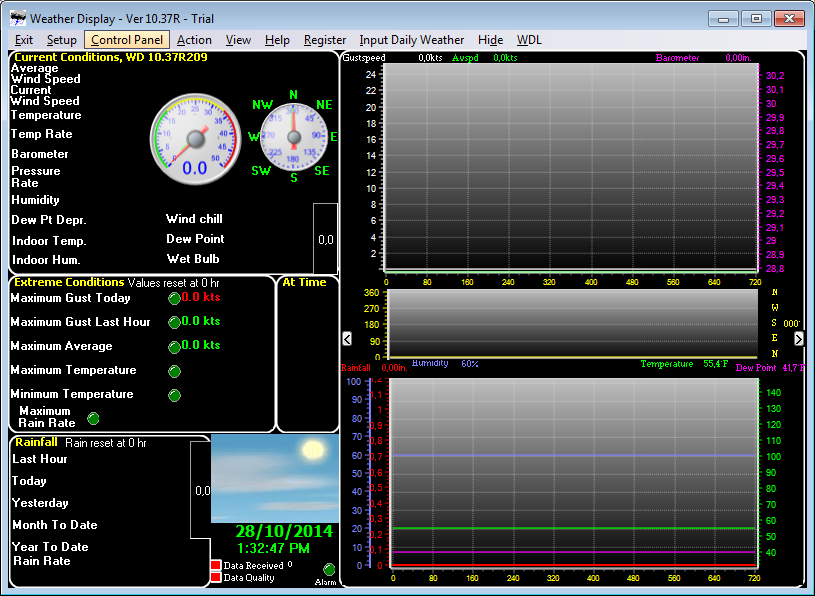
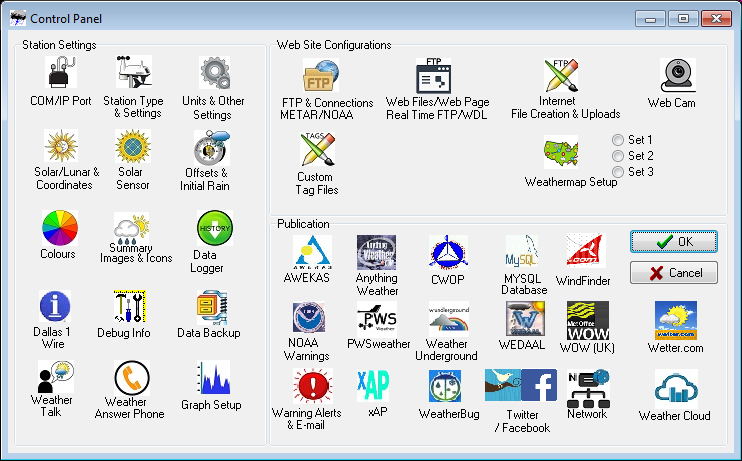
- Open Weather Display and click on Control Panel.
- Select Weathercloud.
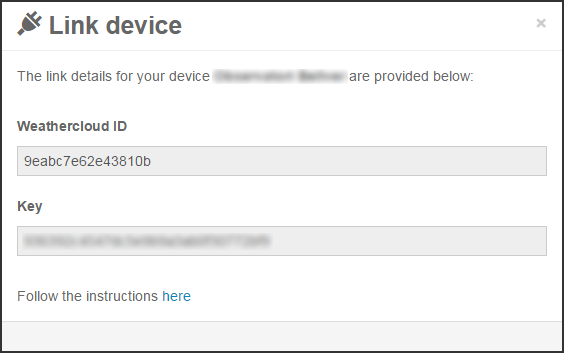
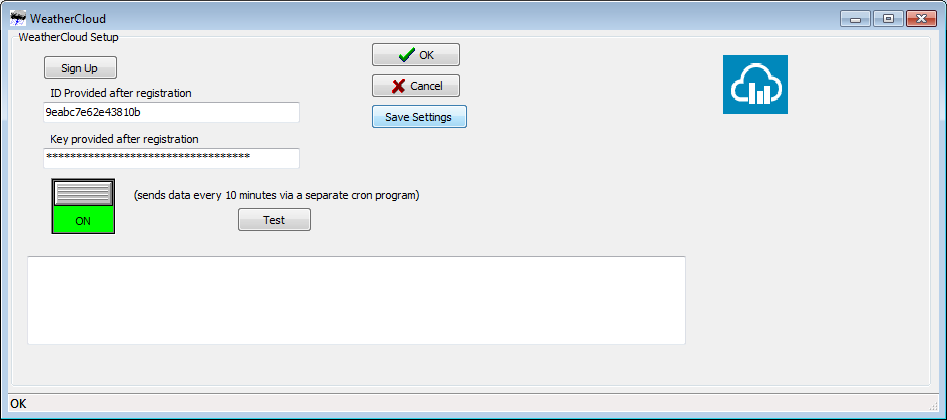
- Enter the Weathercloud ID and the Key provided for your device. You will find this information by going to your Devices page on Weathercloud and clicking on Link device in the Settings drop-down menu (the gear icon).
- Turn the switch ON and press OK.
- If everything went right, your device should start uploading data within the next 10 minutes.
Seguici sui social network.