

WeatherCat
Ta strona nie jest jeszcze dostępna w tym języku.
Linking instructions
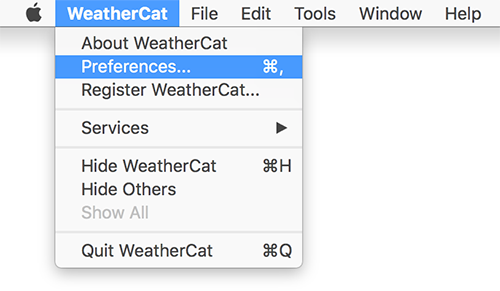
- Open WeatherCat and click on Preferences under the WeatherCat menu.
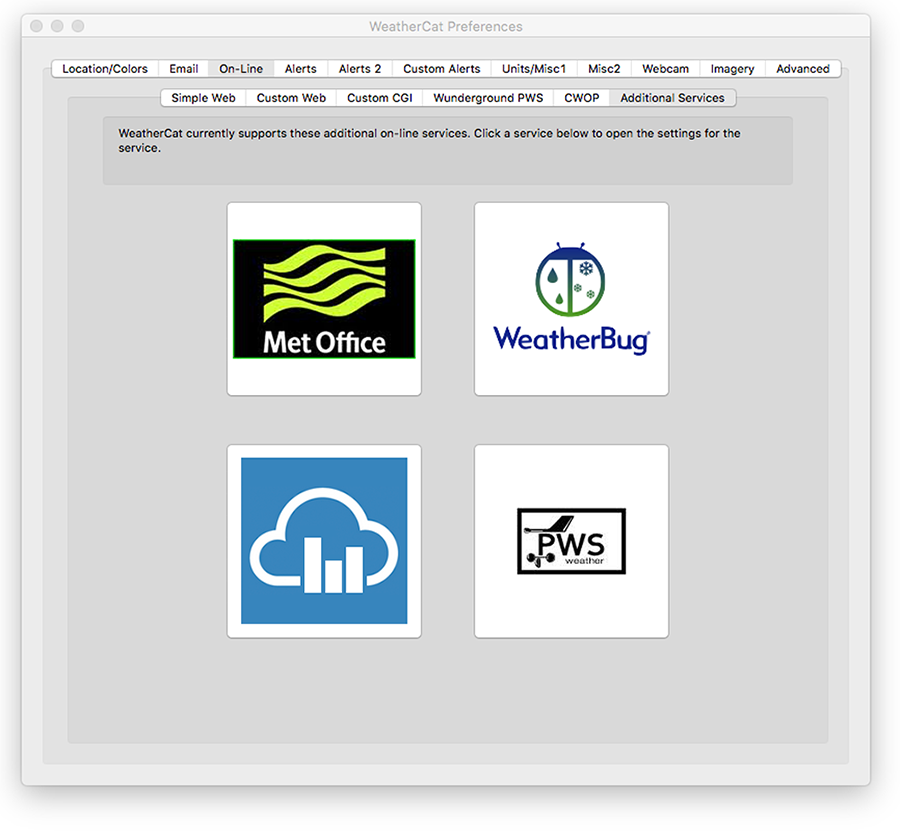
- Cick on the On-Line tab and then on the Weathercloud logo.
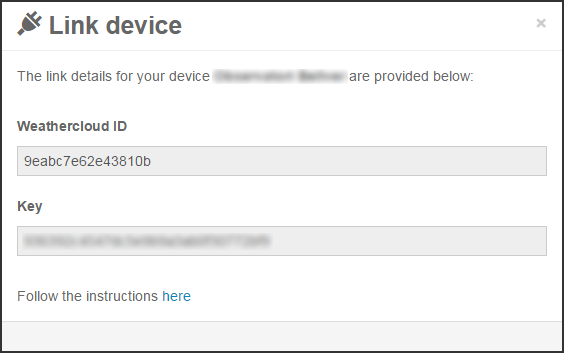
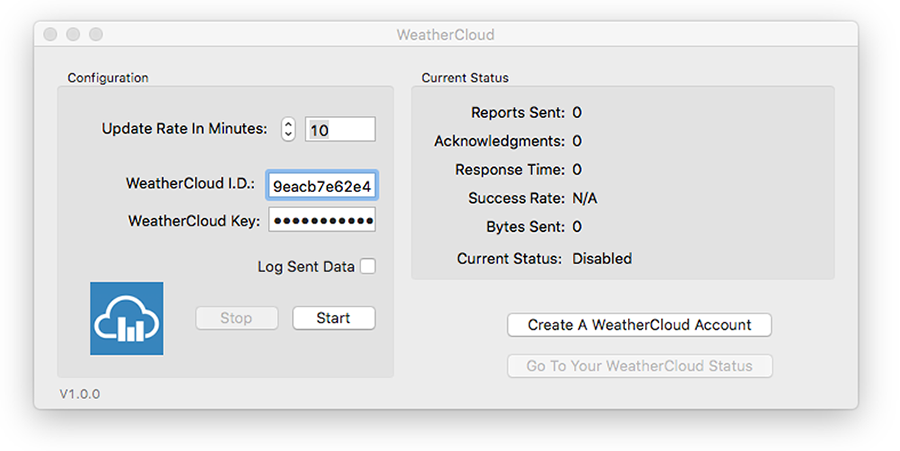
- Enter the Weathercloud ID and the Key provided for your device. You will find this information by going to your Devices page on Weathercloud and clicking on Link device in the Settings drop-down menu (the gear icon).
- Choose 10 minutes as your Update Rate and press Start.
- If everything went right, your device should start uploading data within the next 10 minutes.
Śledź nas w mediach społecznościowych.