

WeatherLink Cloud
Deze pagina is nog niet beschikbaar in deze taal.
Linking instructions
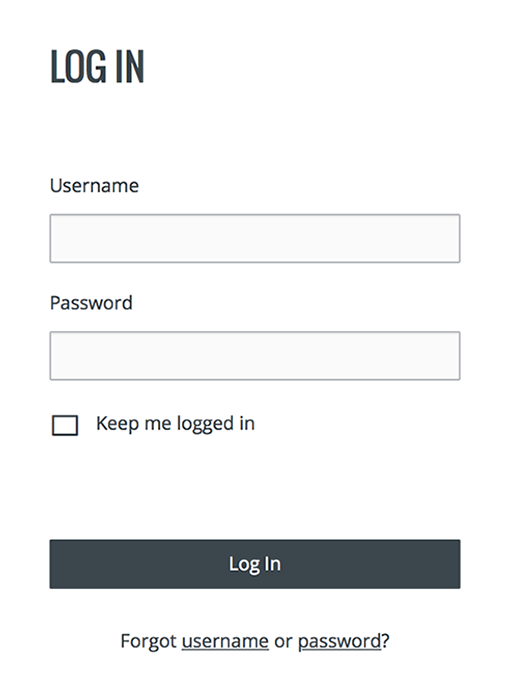
- Log in to your WeatherLink Cloud account.
- Select the device you want to link and click on Share & Uploads on the top right portion of the screen.
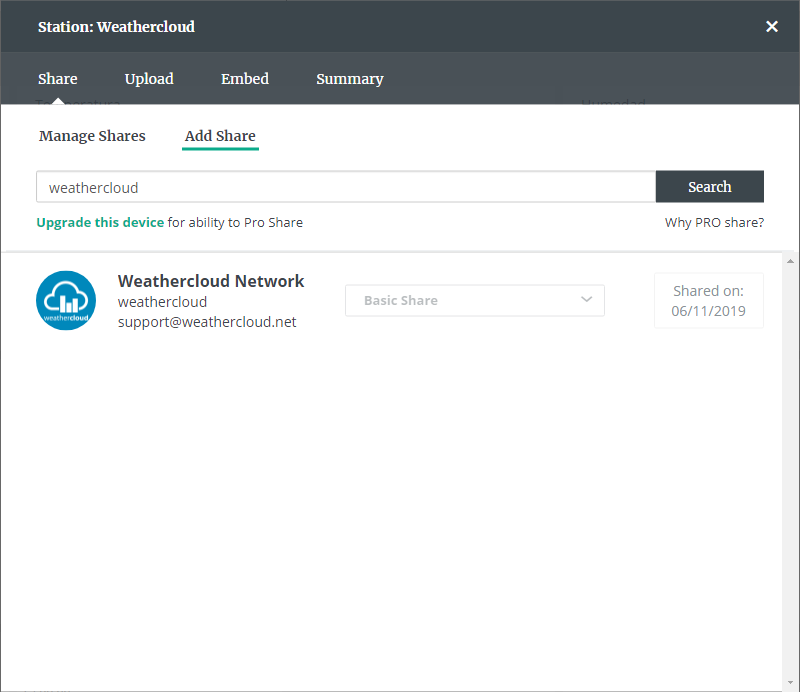
- Click on Add Share.
- Search for weathercloud and click on Share.
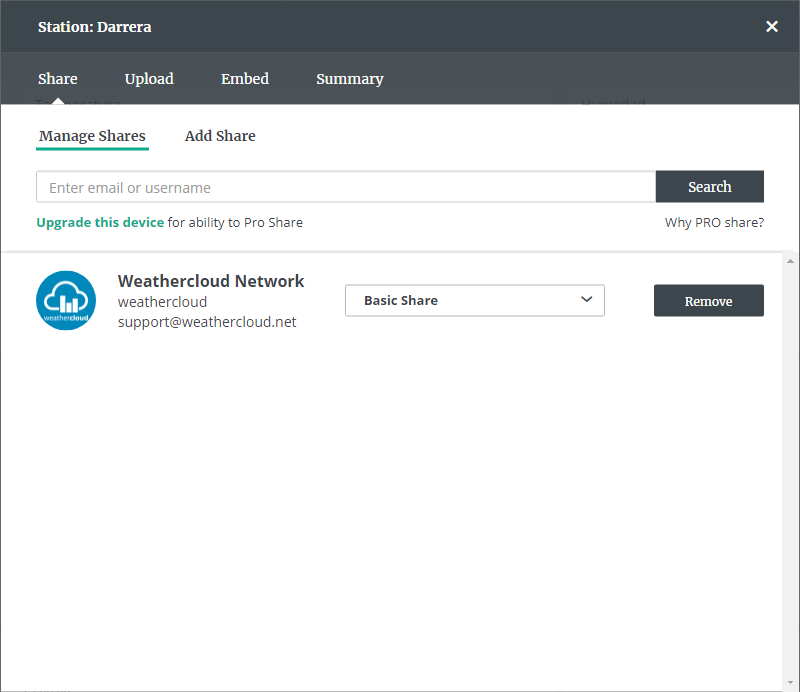
- Click on Manage Shares and verify that Weathercloud Network is shown.
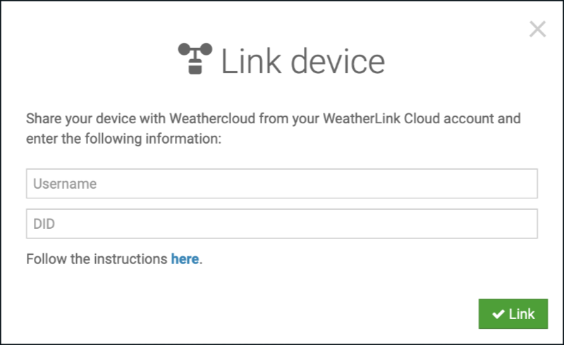
- On Weathercloud, go to your Devices page, click on Link device in the Settings drop-down menu (the gear icon) and enter the Username of your WeatherLink Cloud account and the DID of the device you would like to link.
- Make sure that the time zone of your device on Weathercloud matches the one on your WeatherLink Cloud account. Otherwise, the synchronization won't be possible.
- If everything went right, you should see a success message and your device should start uploading data within the next 10 minutes.
Volg ons op sociale media.